One plugin. Whole site.
Ten modules, one clean panel
Speed, SEO, security, your brand, ads, WhatsApp buttons, cookie consent, SMTP email, maintenance mode and backups, plus support tickets right inside WordPress. Every feature is a switch, off until you turn it on.
Free on WordPress.org soon. GPL, no account needed. WordPress 6.3+ · PHP 7.4+
MD5TO Latino-owned · Built in the USA
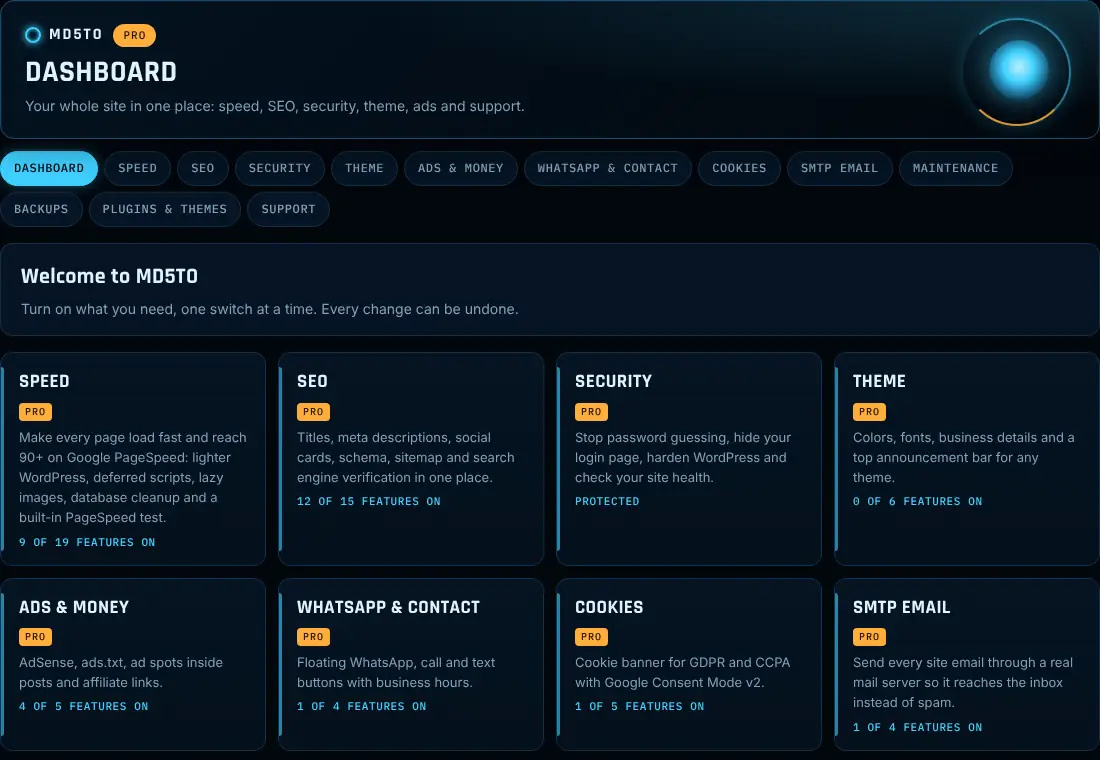
One plugin instead of ten
Ten plugins means ten settings screens, ten update alerts and ten chances for a conflict. MD5TO does the same jobs from one panel, and loads only the modules you turn on.
Free vs Pro
The free version is complete on its own. Pro adds the tools that save hours and make money. Tap a module to see every feature.
| Module | Free | Pro |
|---|---|---|
| Speed | Defer non-critical JavaScript, with a “never defer” list; Lazy-load images and iframes; the first images stay eager for a fast LCP; Add missing image width and height; Remove emoji, embeds, jQuery Migrate, Dashicons for visitors and ?ver= strings; Google Fonts font-display: swap | Delay analytics, ads and chat scripts until the visitor interacts; Page cache with expiry and never-cache paths; Create and serve WebP images (originals untouched); Lightweight YouTube and Vimeo embeds; Remove block library CSS on pages without blocks |
| SEO | SEO box on every post with a live Google preview; Custom titles, meta descriptions and focus keyword; Canonical URLs and noindex per page; Noindex for search, author, date and paginated pages; Open Graph and X (Twitter) cards with a default share image | Schema builder per post: FAQ, HowTo, Product and Article; BreadcrumbList schema; LocalBusiness schema with hours and map coordinates; Automatic title and description templates; Redirects: 301, 302, 410 and regex, with CSV import and export |
| Security | Limit login attempts; Custom login URL; Block XML-RPC; Block user enumeration; Hide the WordPress version | Two-factor login with authenticator apps; Backup codes for 2FA; Firewall; IP block and allow lists; Activity log |
| Theme Kit | Brand colors: main, accent, text and background; Apply the accent color to buttons and links; Text and heading fonts from fast system stacks (no web font downloads); Business name, phone, email, address and hours; Shortcodes: [md5to_business], [md5to_phone], [md5to_email], [md5to_address], [md5to_hours], [md5to_year] | Schedule the bar with start and end dates; White label: login logo and background; Your own admin footer text and dashboard welcome box; Hide the WordPress logo and rename the MD5TO menu; Custom CSS box on every page and post |
| Ads & Money | AdSense Auto ads with your publisher ID; Hide ads from logged-in admins; No ads on chosen pages; Serve ads.txt with extra lines for Ezoic, Mediavine, Raptive and others; app-ads.txt for your mobile apps | Repeat the inside ad every N paragraphs, with a maximum; A different inside ad for phones; Only on posts longer than N words; Add your Amazon Associates tag to every Amazon link; Mark affiliate links rel="sponsored nofollow" |
| WhatsApp & Contact | Floating WhatsApp button with a ready-to-send message; Optional Call, Text and Email buttons; Button text and message in English and Spanish; Bottom right or left, your color; Show on phones, computers or both | Team list: send chats to sales, support or each person; Greeting bubble after a few seconds; Count clicks on each button; Send a Google Analytics event on click; Only show on chosen pages |
| Cookies | Bottom bar or small corner box; Equal Accept and Reject buttons; Banner text in English and Spanish; Privacy policy link; Your colors | Let visitors choose analytics, marketing and preferences; Block tracking scripts until consent; Consent log as proof for audits; “Do Not Sell or Share My Personal Information” link (California) |
| SMTP Email | Send all site email through SMTP; Presets: Gmail, Outlook / Microsoft 365, Zoho, Brevo, SendGrid, Mailgun, Amazon SES and Namecheap Private Email; Custom host, port and SSL/TLS; From email and From name, forced on every email if you want; Send a test email | Email log of everything your site sends; Resend failed emails from the log; Failure alerts when too many emails fail in an hour; Backup SMTP connection if the main server fails; Auto-delete old log entries |
| Maintenance | Coming soon mode (noindex) and maintenance mode (503 + Retry-After); Choose who still sees the real site; Headline and message in English and Spanish; Logo, background photo and colors; Contact email on the page | Countdown to your launch date; Go live automatically when the countdown ends; Collect emails: “Tell me when you launch”; Let chosen IP addresses see the real site; Secret preview link for clients |
| Backups | One-click database backup; Download from your dashboard; Private, protected backup folder; Keep the last backups you choose, older ones deleted | Scheduled automatic backups; Include files: uploads, themes and plugins, with excludes and a size limit; One-click database restore; Email summary after each backup or restore |
| Support | Open and follow tickets inside WordPress, in English or Spanish | High-priority tickets |
| Dashboard | Every module at a glance; panel in English or Spanish | Weekly site report by email: PageSpeed, SEO, security, backups, email and ad clicks |
Help without leaving WordPress
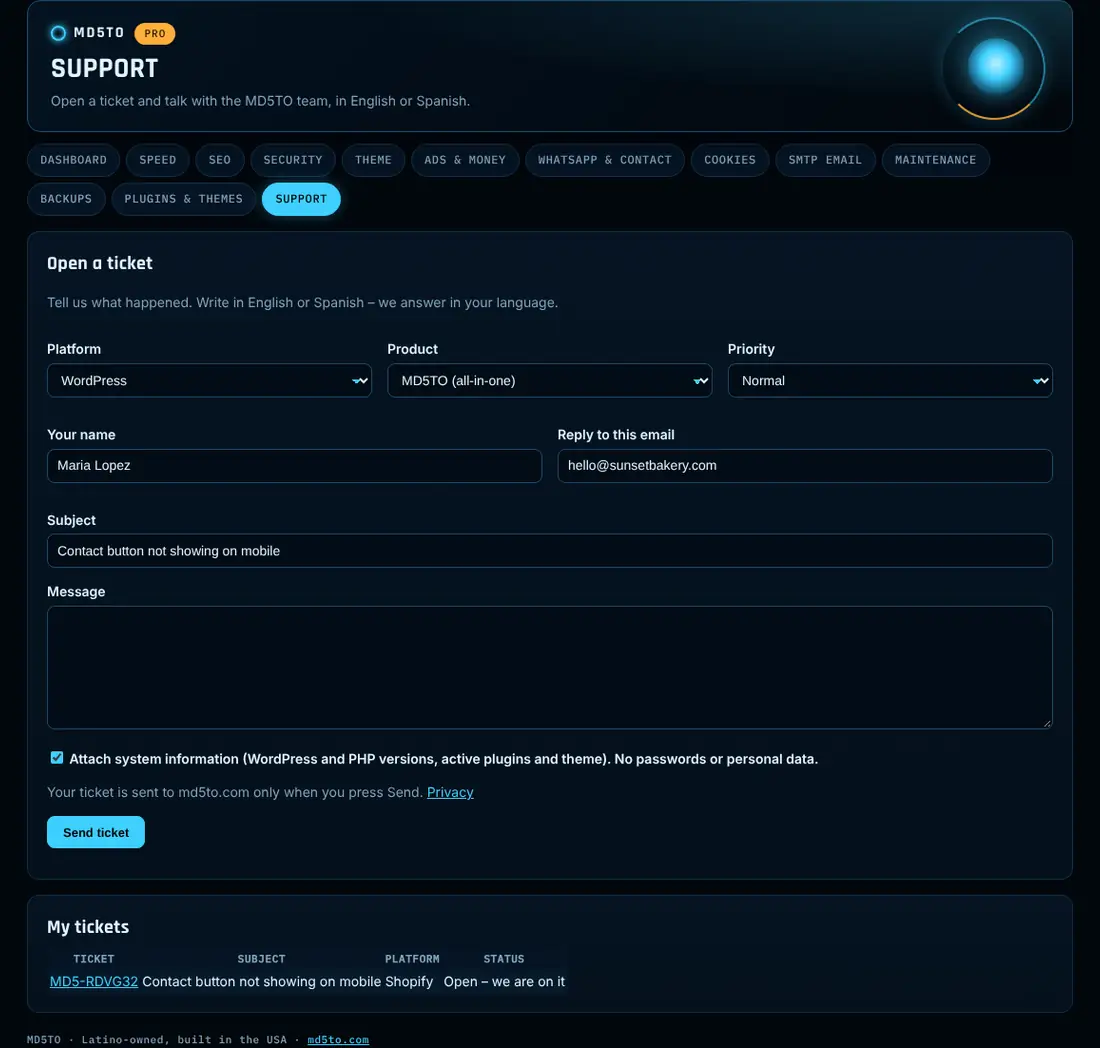
Open a ticket from MD5TO → Support. Pick the platform (WordPress, WooCommerce, Shopify, Wix, Squarespace, Webflow) and the product, write in English or Spanish, and follow the replies right in your dashboard. You also get an email.
- Tickets go to md5to.com only when you press Send
- Optional system info, never passwords or personal data
- Pro tickets can be marked high priority
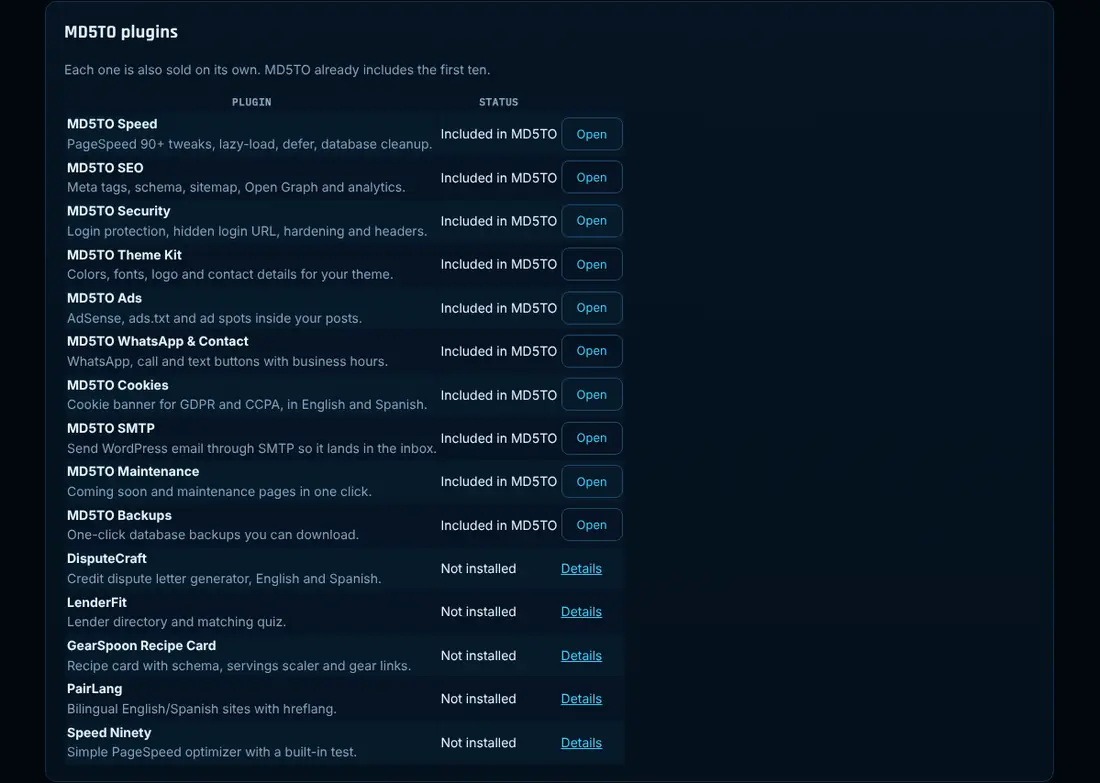
Every MD5TO plugin, one screen
See what is included, what is installed and what is active. Open any module, activate a plugin you already have, or find the next one.
Bilingual from the panel to the visitor
Choose the panel language in one click, or let it follow WordPress (any Spanish locale works). Visitor-facing text like WhatsApp messages, the cookie banner, the announcement bar and the maintenance page has an English and a Spanish field.
Turn on what you need, one switch at a time.
Activa lo que necesitas, un interruptor a la vez.
MD5TO Latino-owned · Built in the USA · Support in English and Spanish
Ten modules, simple screens
Each module is one clean page of switches. Open any of them to see the real screens and every feature.
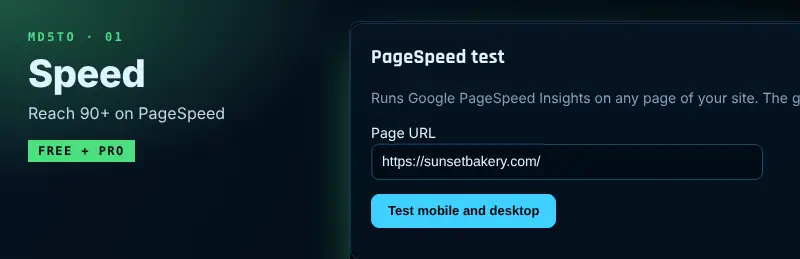
Speed
Reach 90+ on PageSpeed
See every feature →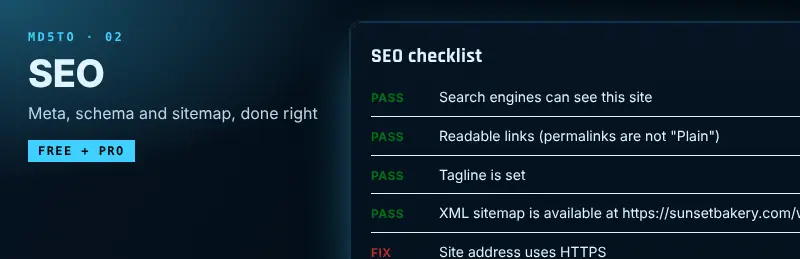
SEO
Meta, schema and sitemap, done right
See every feature →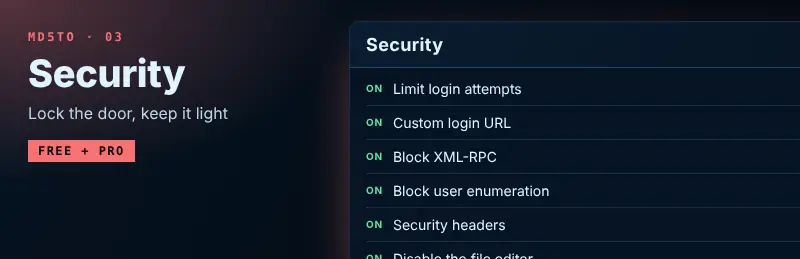
Security
Lock the door, keep it light
See every feature →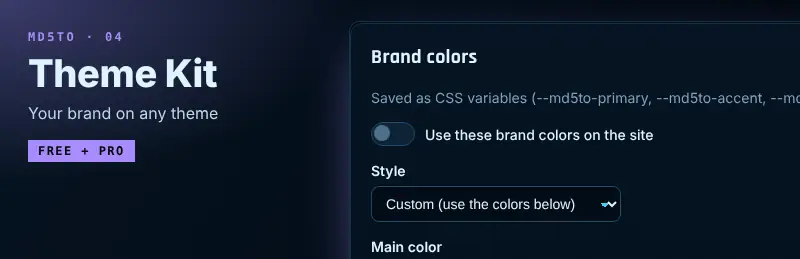
Theme Kit
Your brand on any theme
See every feature →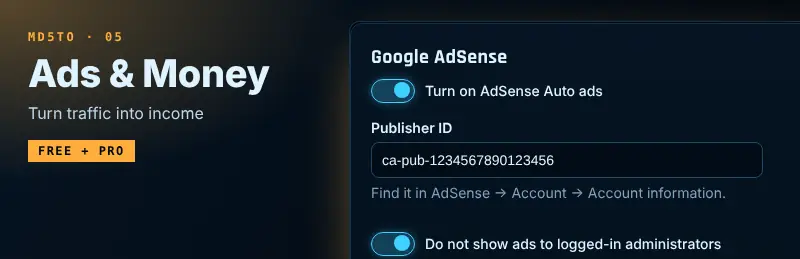
Ads & Money
Turn traffic into income
See every feature →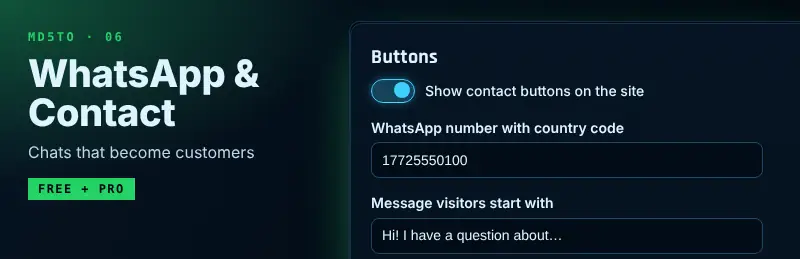
WhatsApp & Contact
Chats that become customers
See every feature →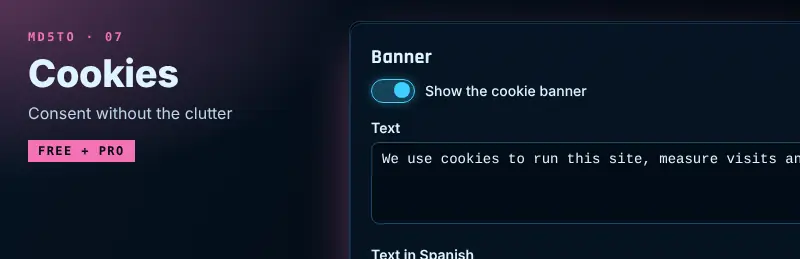
Cookies
Consent without the clutter
See every feature →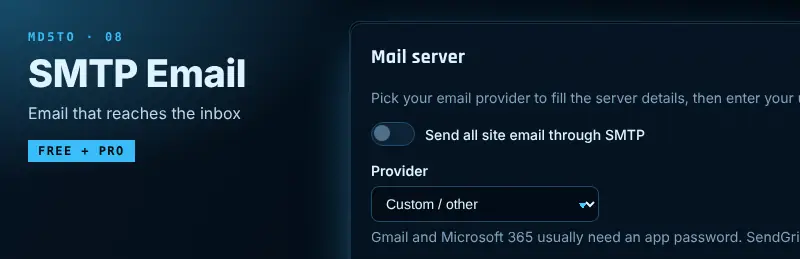
SMTP Email
Email that reaches the inbox
See every feature →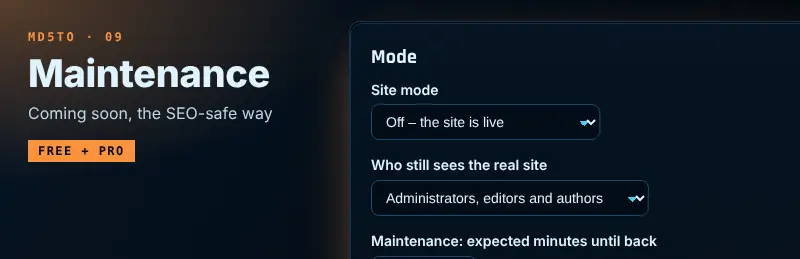
Maintenance
Coming soon, the SEO-safe way
See every feature →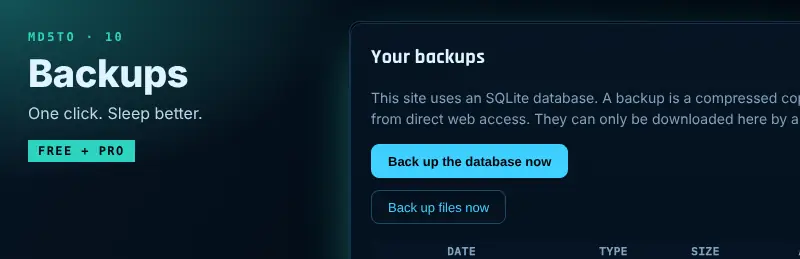
Backups
One click. Sleep better.
See every feature →MD5TO Pro
Every Pro feature in all ten modules, the weekly site report and priority support. One price: $79 per website, per year, with updates. Your license key arrives by email right away.
Single site
$79/year
1 website · billed automatically, cancel anytime
- All MD5TO Pro features
- Updates and support while active
- License locked to your site
1 license = 1 website. Your license key is locked to the first domain you activate it on. Need more sites? Get one license per site.
Bought separately, ten Pro modules cost $290/yr for one site. Want our other plugins and themes too? All Access, $199/yr per site.
Questions
Will it slow my site down?
No. Only the modules you turn on run, and everything starts off. The Speed module exists to make your site faster.
Can I use only some modules?
Yes. Turn on what you need. Each module is also sold as its own plugin if you want just one piece.
I already use some standalone MD5TO plugins.
Install MD5TO and it takes over those modules with the same settings, so nothing runs twice. Then you can deactivate the standalone plugins.
Does it work with Yoast, Rank Math or my cache plugin?
Yes. MD5TO SEO pauses its output when another SEO plugin is active, and the free Speed switches work next to your cache.
Is it on WordPress.org?
Soon. Until then, download the free zip here and upload it in Plugins → Add New → Upload Plugin.
How do I get Pro?
Install the free plugin, then buy your Pro license here. Pro installs next to the free plugin and keeps all your settings.
Can I cancel?
Yes, anytime. Your license stays active until the end of the paid period.
Can I move my license to another domain?
Licenses are locked to one domain. If you really change your domain, open a support ticket and we’ll help.
How do updates work?
Automatic. As long as your license is active, WordPress installs new versions for you.
Is the panel in Spanish?
Yes. Choose English or Español in the panel, or let it follow your WordPress language. Support answers in both.
Run your whole site from one panel
Free forever. Pro when you are ready.