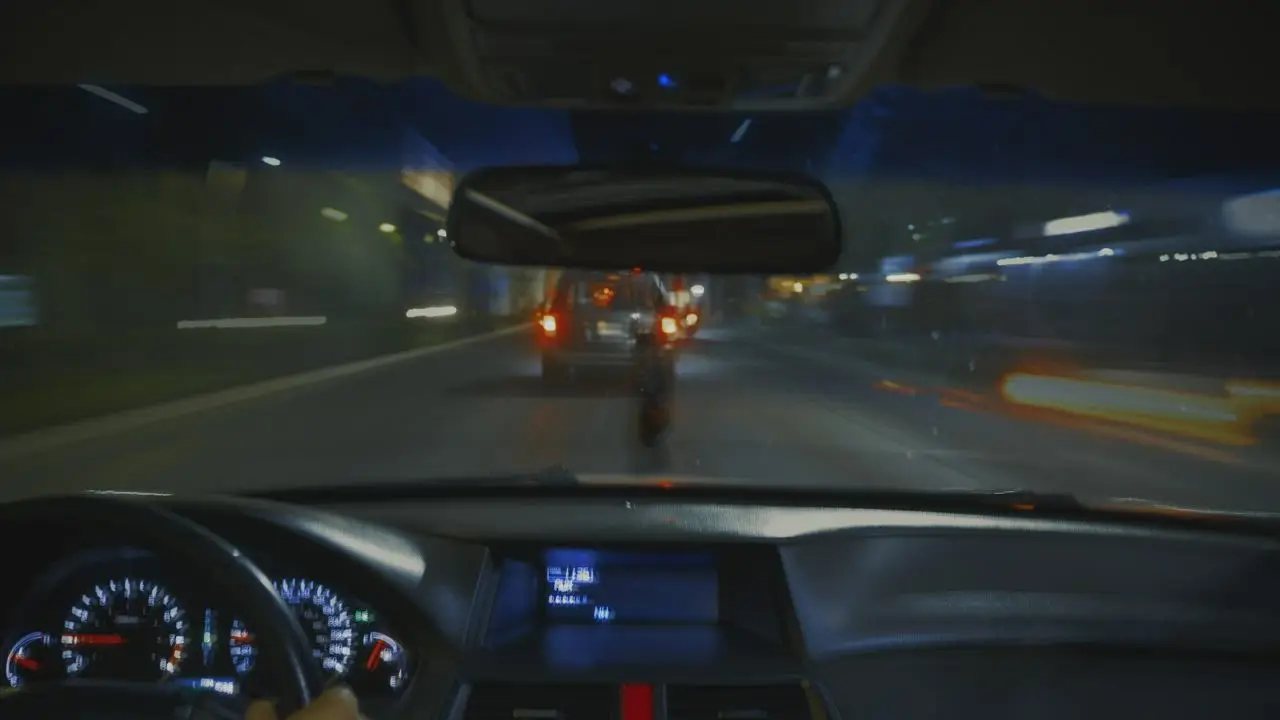
Know where the cameras are.
Flock cameras and license plate readers log every car that passes. LensRadar shows you where they are, warns you before you pass one — even with the app closed — and finds routes with zero cameras.
 ● REC
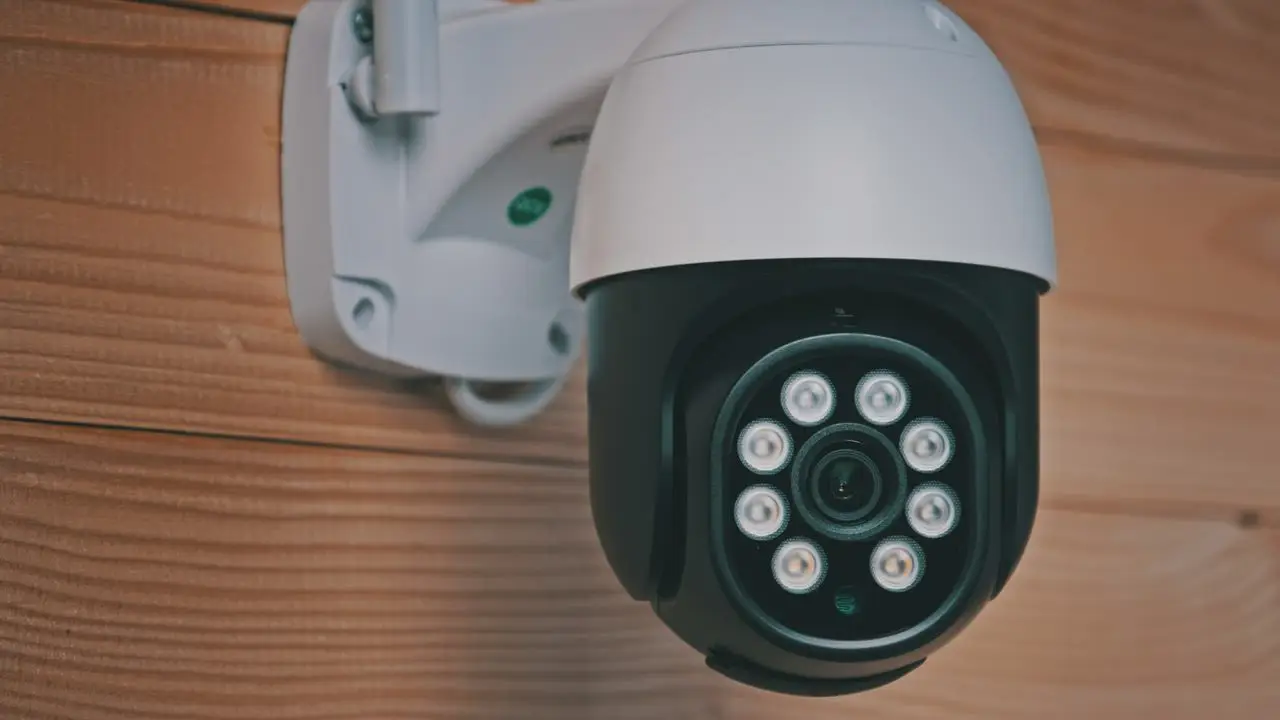
Your plate gets logged more than you think.
Automated license plate readers photograph every passing car and save the plate, make, model, color, time and place. Cities, police, HOAs and stores put them up — on poles you drive past every day without noticing.
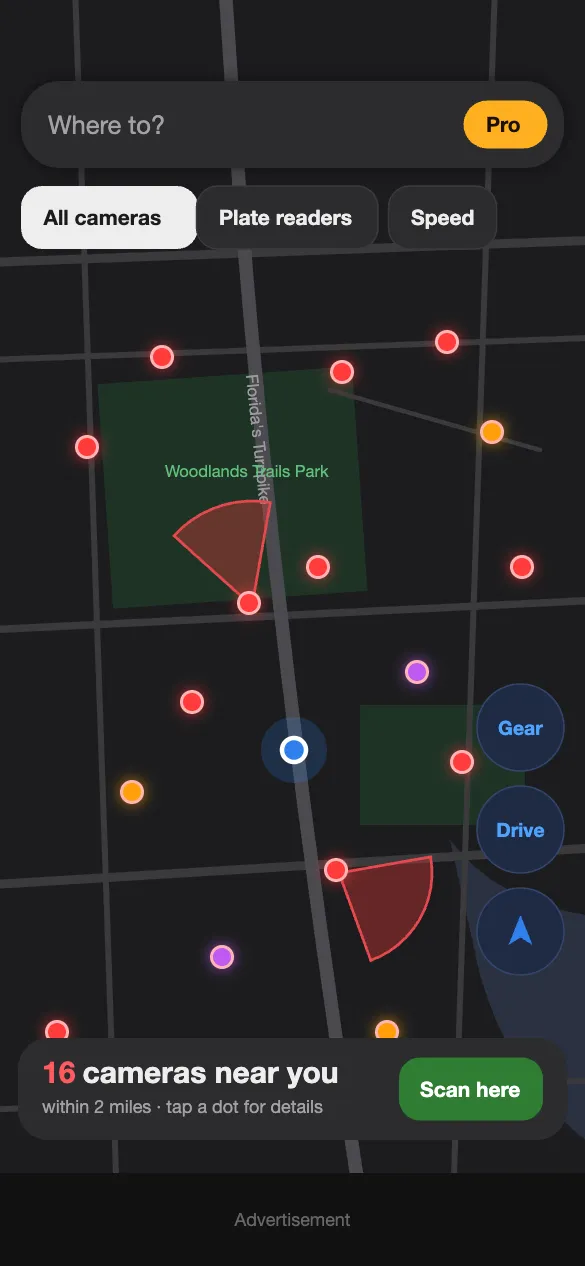
LensRadar puts every known camera on one simple map, so you always know what's around you.
Everything a driver needs.
Nothing you don't.
See every camera around you.
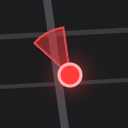
Open the app and the map fills with the cameras near you in seconds — color-coded by type, with a cone showing which way each one points.
- Red — Flock and other license plate readers
- Orange — speed and red-light cameras
- Purple — AI and acoustic surveillance
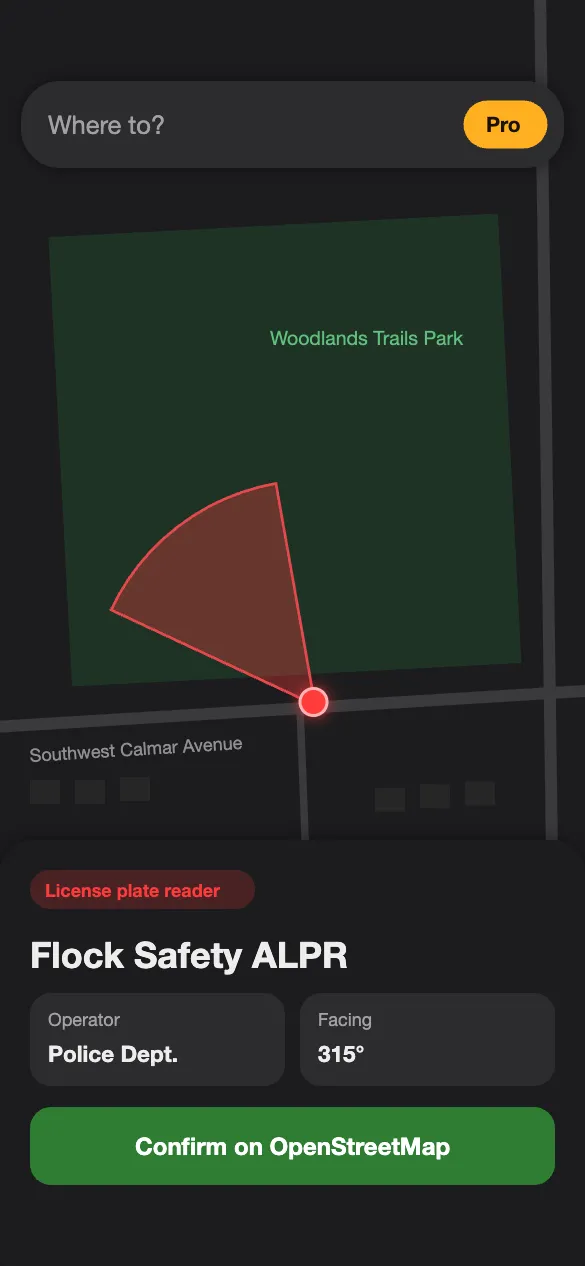
Tap a camera. Know who runs it.
Every camera has its own card: the maker, who operates it — police department, city, HOA or business — and the direction it's facing.
- Operator — who put it there
- Facing — exact compass direction
- Open data — check it on OpenStreetMap
A radar ping before you pass one.
LensRadar sets up alert zones around the cameras near you. When you get close, your iPhone pings — no navigation running, no app open, very little battery.
- "Flock camera ahead" — with distance and street
- Camera zones — when an area is packed with readers
- Your sound — radar ping, soft chime or two-tone
Take the road with zero cameras.
Search where you're going — suggestions pop up as you type, like a car's navigation — and LensRadar compares routes by how many cameras they pass.
- Fastest, Balanced or No cameras — you pick
- One tap to drive it in Google Maps, Waze or Apple Maps
- Recent places saved for quick trips
Set it once. Drive like normal.
Sign in
Apple, Google or email. Takes ten seconds.
Allow alerts
Turn on notifications and location so LensRadar can warn you on the road.
Just drive
Keep the app closed. You'll hear the ping when a camera is ahead.
Free to use. Pro when you want more.
LensRadar
- Live camera map, nationwide
- Voice warnings in Drive mode
- Camera details and directions
- Place search
LensRadar Pro
- Alerts with the app closed — Flock, speed, red-light, AI
- Camera-free routes for every trip
- New-camera alerts near home or work
- Pick your alert sound
- No ads
Upgrade your drive.
Dash cams, phone mounts, privacy screen covers and road-safety gear we'd put in our own car.
See the gear guideQuestions
What is a Flock camera?
Flock Safety makes automated license plate reader (ALPR) cameras. They photograph passing vehicles and record the plate, make, model and color. Police departments, cities, HOAs and businesses use them.
Does it work with the app closed?
Yes. LensRadar sets up alert zones around the cameras near you and your iPhone plays the alert when you get close — no navigation running and the app can stay closed.
Where does the camera data come from?
From OpenStreetMap, where volunteers across the U.S. map cameras they see on public roads. Coverage keeps growing but is not complete, so a missing dot doesn't mean there's no camera.
Is it legal to know where cameras are?
LensRadar only shows cameras that are visible from public roads and already listed in public, open map data. Always follow traffic laws and drive safely.
Does LensRadar track me?
No. Alerts are handled on your iPhone, and we don't keep a history of where you drive. Read the Privacy Policy.
When can I get it?
LensRadar is available now on the App Store. Download it here.
Affiliates and partners
LensRadar may recommend products and services that fit what you are doing, such as dash cams, phone mounts and privacy gear (see our Gear page).
Some of these links are affiliate links. If you buy or sign up through them, MD5TO may earn a commission at no extra cost to you. Partners never pay to change our recommendations, and we never share your personal data with them. As an Amazon Associate, MD5TO earns from qualifying purchases.
Have a product or service that fits LensRadar users? Write to contact@md5to.com with the subject "Partner: LensRadar".
Be first on the road
with LensRadar.
LensRadar is on the App Store now. Download it on your iPhone.